> ## Documentation Index
> Fetch the complete documentation index at: https://fermata-preview.mintlify.site/llms.txt
> Use this file to discover all available pages before exploring further.
# Webhooks
> We support the following webhook events
* `negative_balance`: called whenever there is an event for a user that results in a negative balance
* `balance_change`: called anytime a user's balance changes
* `auto_refill`: called whenever a refill is triggered automatically (monthly plan renewal for example)
* `threshold`: called whenever a customizable threshold is hit for a given account
## Create webhooks
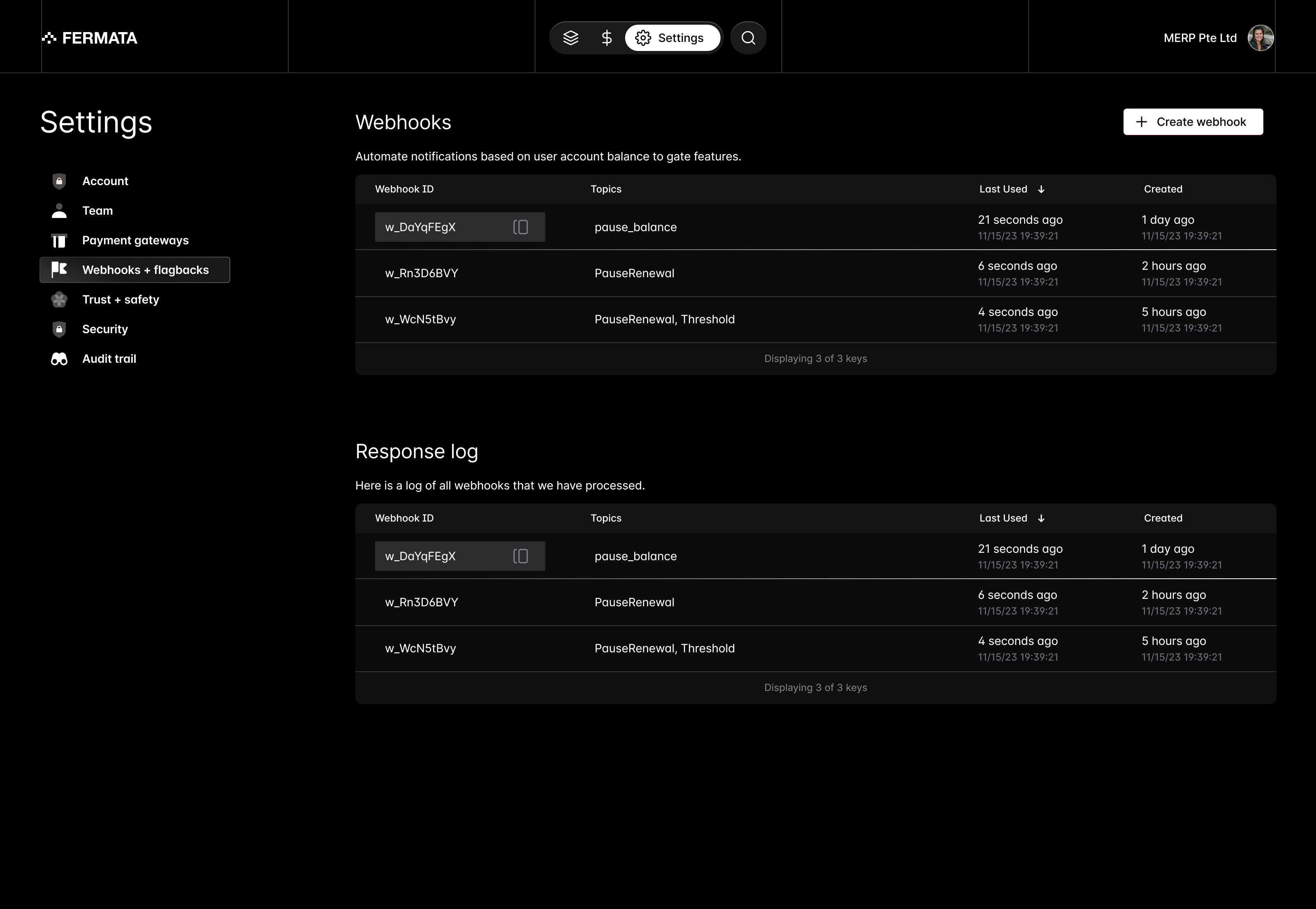
Within the settings tab of Fermata control, select Webhooks + Flagbacks from the left hand rail.
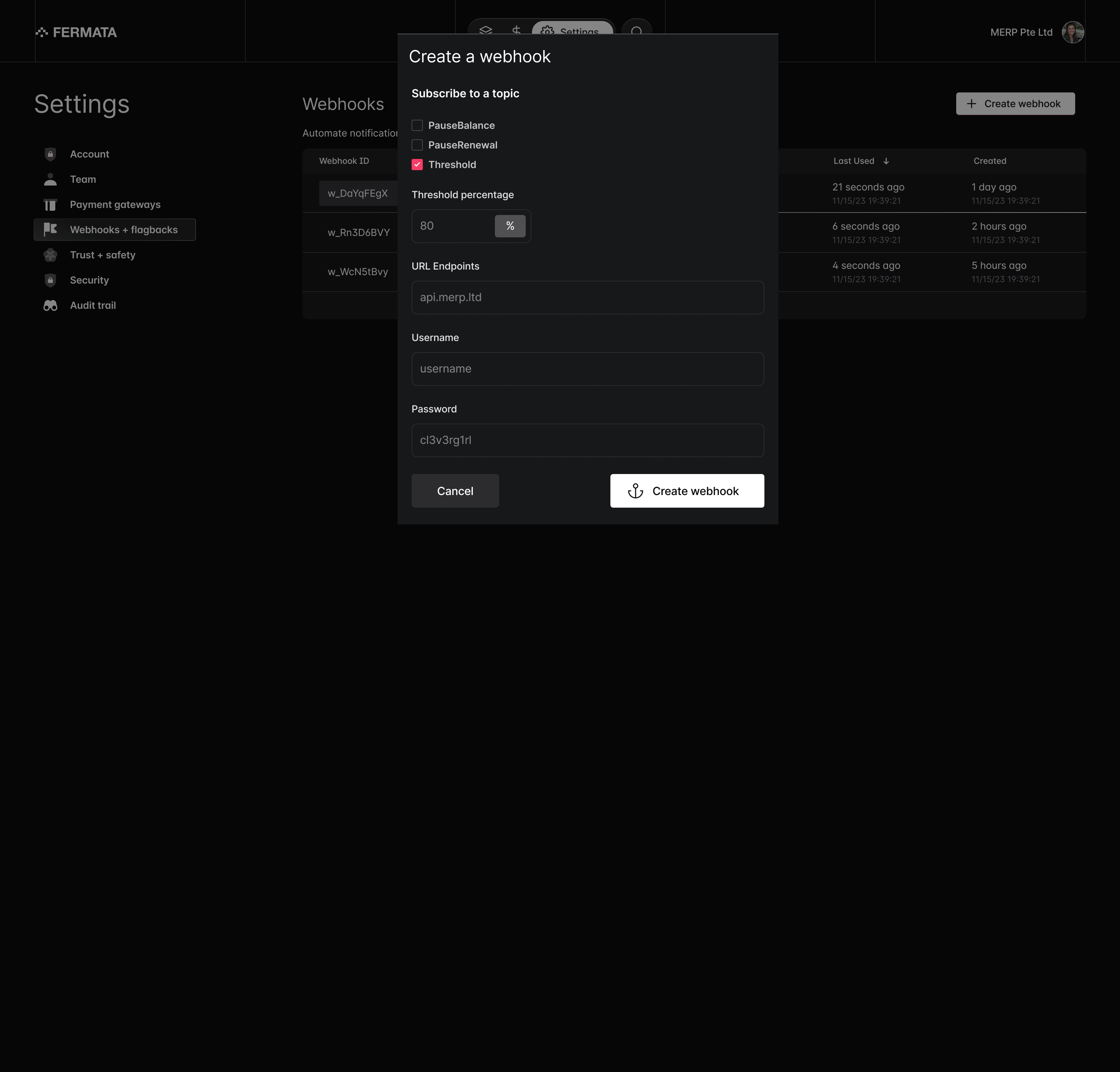
 When creating a webhook you can select the specific event topic. For threshold webhooks, you can customize the specific threshold you'd like set.
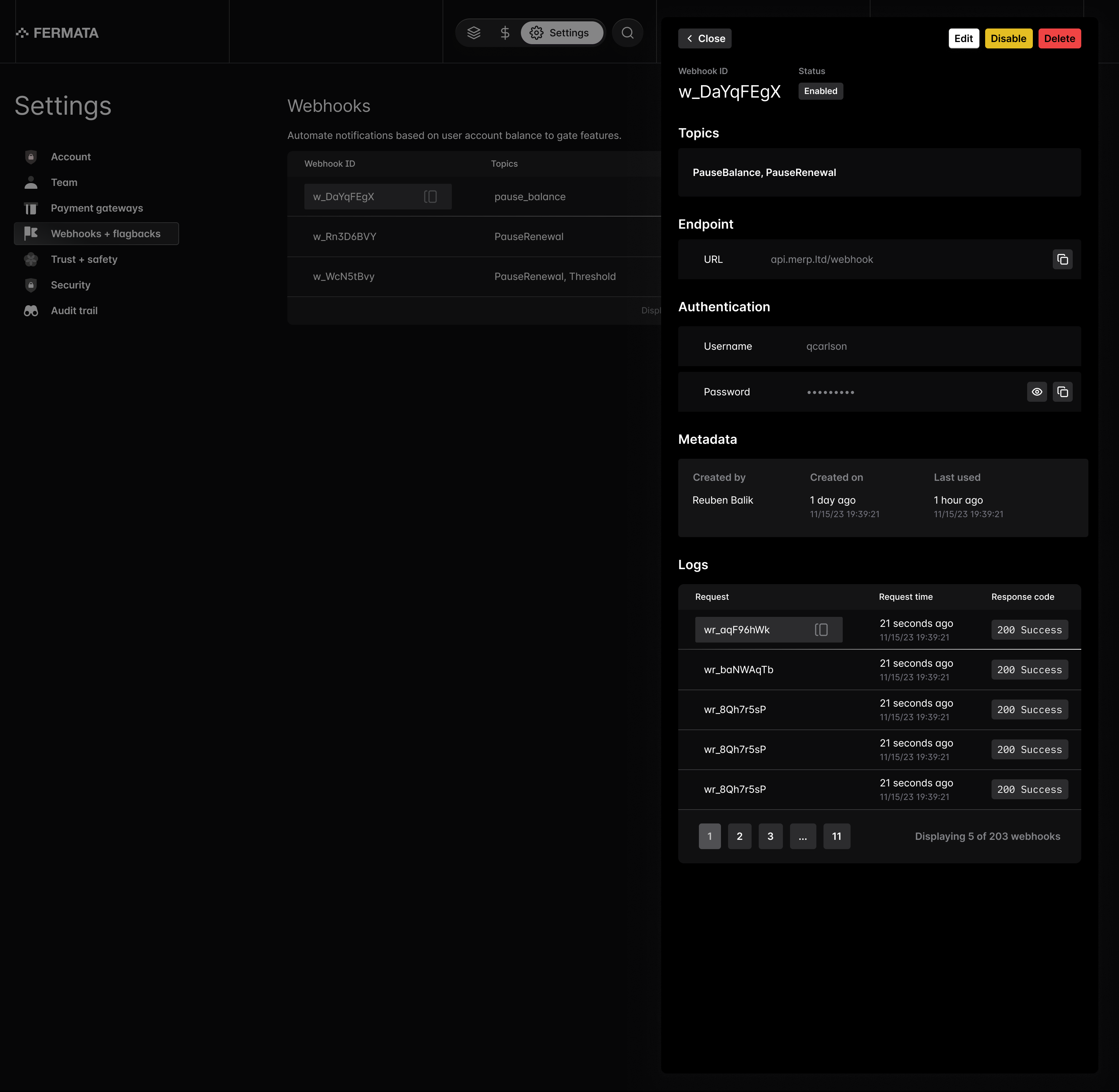
 You can review specific webhook logs and dig into specific response logs as well.